

Opaline · Shopify theme · Version 1.3.1
Every detail,
documented.
Install, set up and shape your store with Opaline. Every section and every setting, explained step by step with screenshots from the demo store.

Get started
From install to launch, in three steps.#
Opaline is set up entirely in the Shopify theme editor. No code, and every change previews before it goes live.
- 01
Install#
Add Opaline from the Theme Store and try it on your own products before you buy.
Install Opaline - 02
Shape#
Set your colors and fonts, then compose each page from 48 sections and their blocks.
Use the theme editor - 03
Launch#
Check your pages on desktop and mobile with our checklist, then publish.
Before you go live
Sections
48 sections, one signature.#

































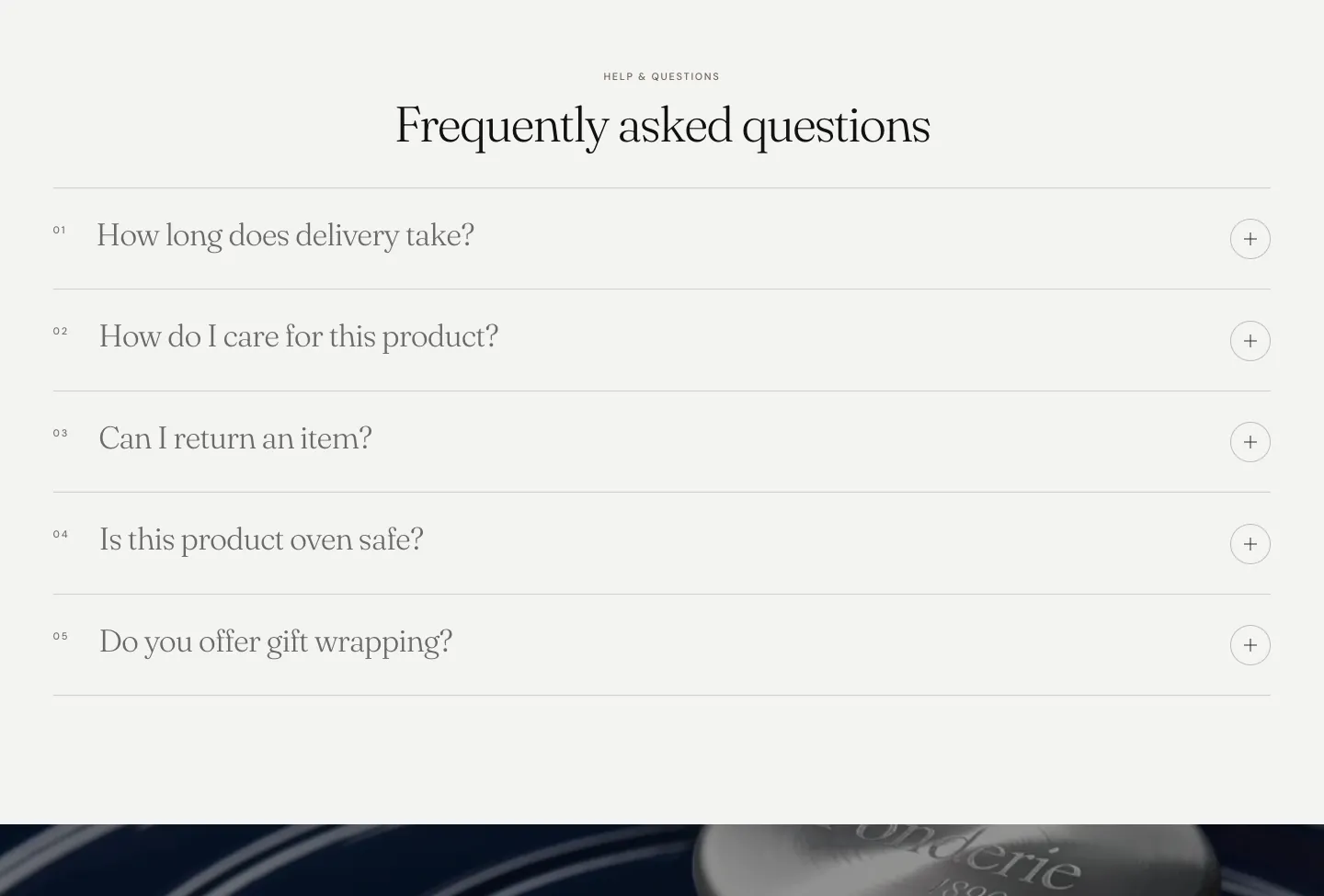
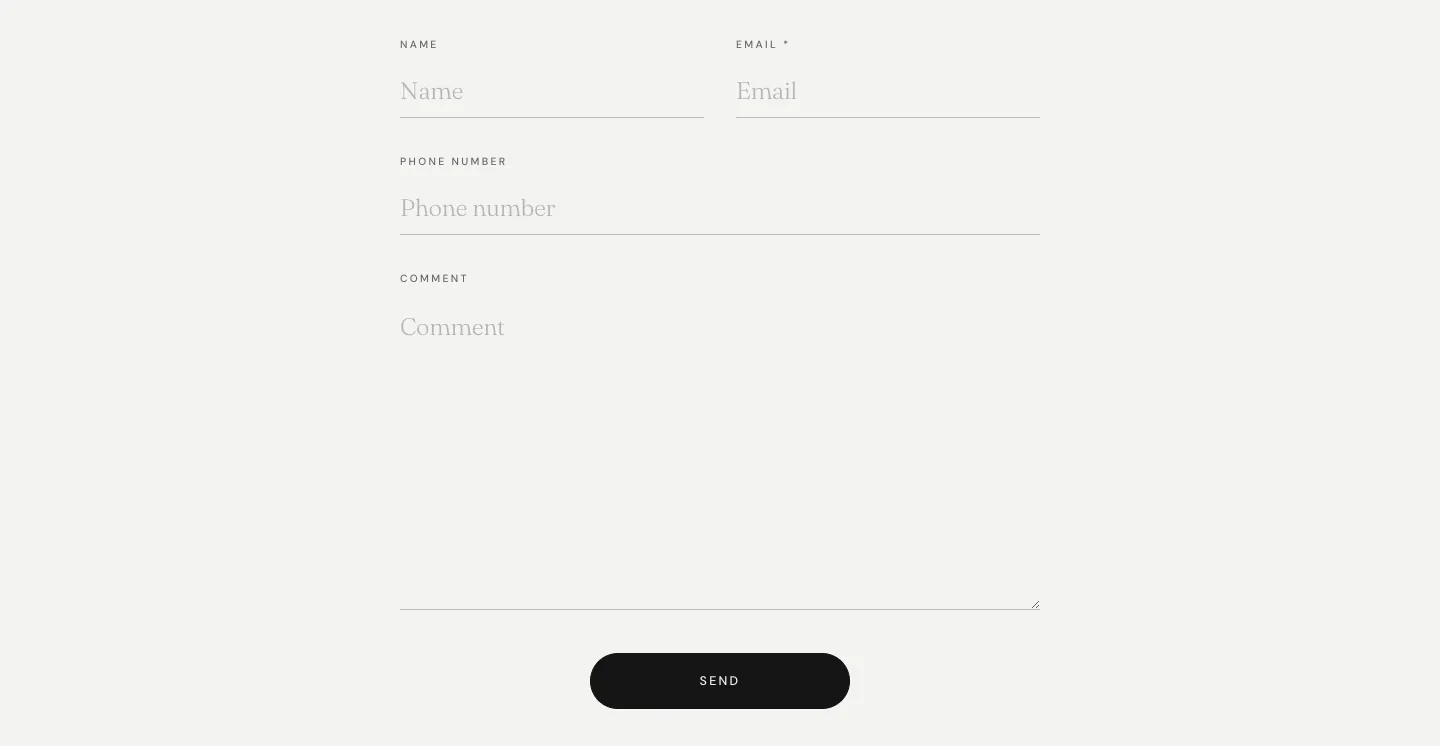






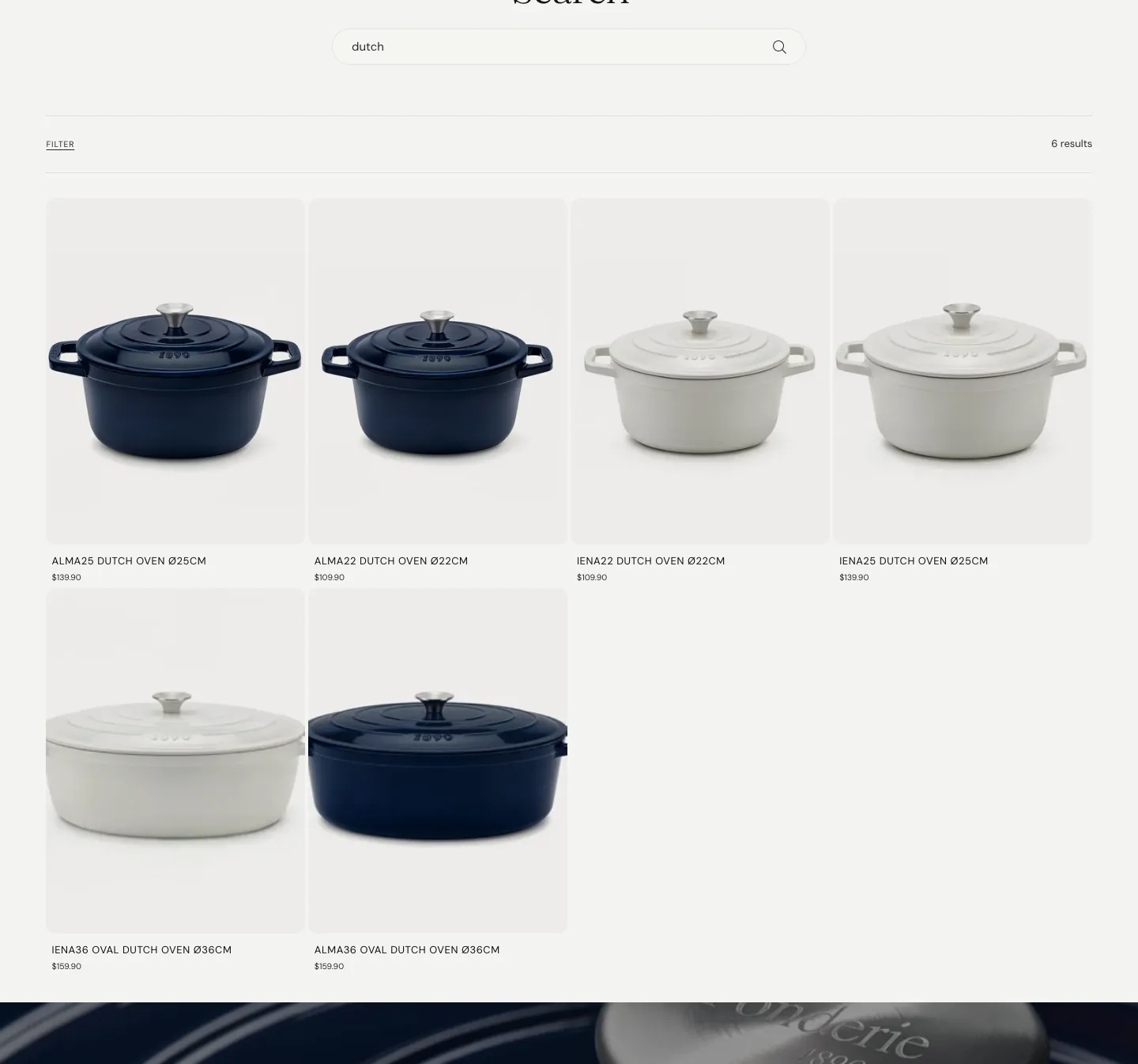
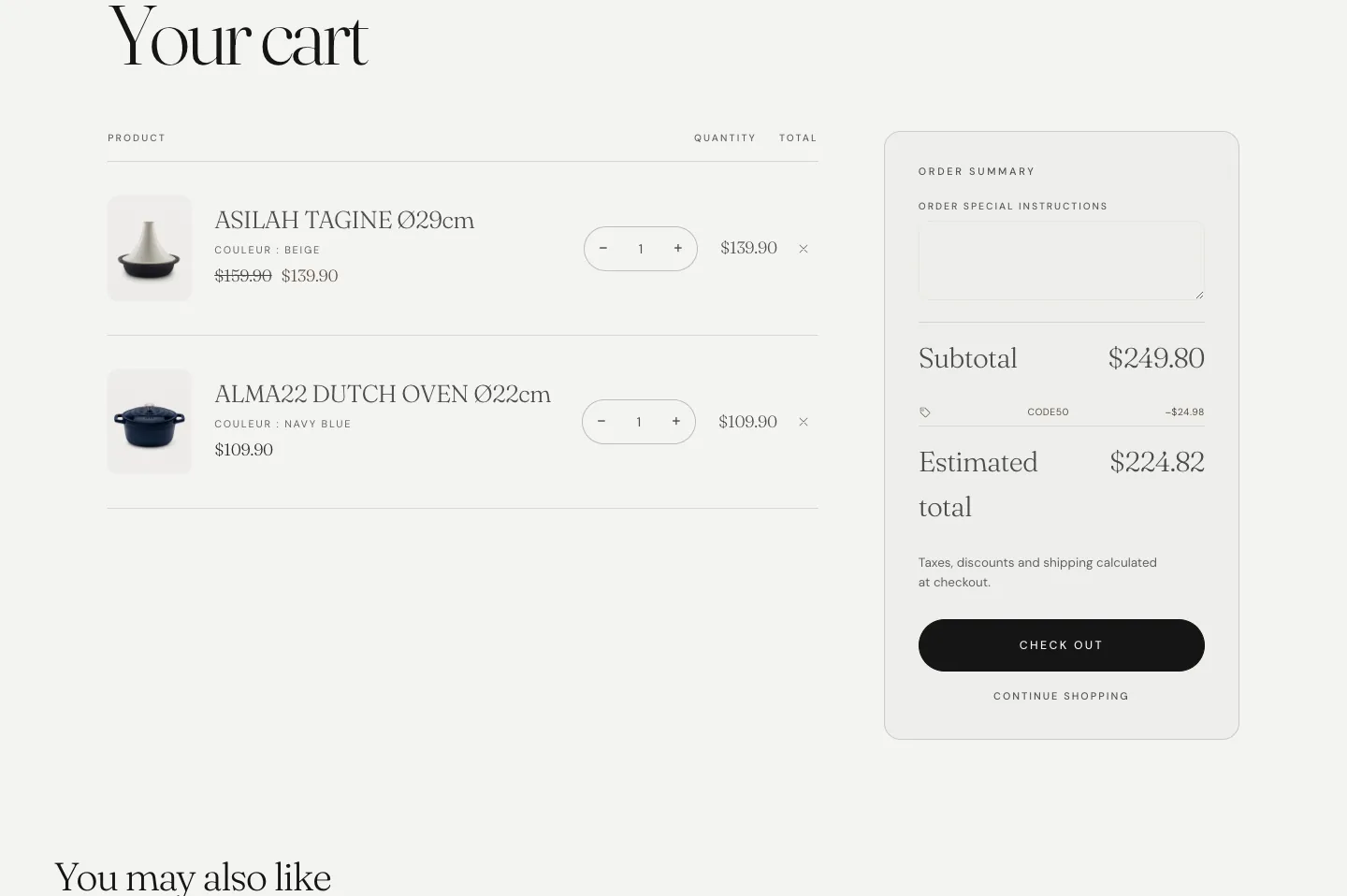




Guides
The features behind the look.#
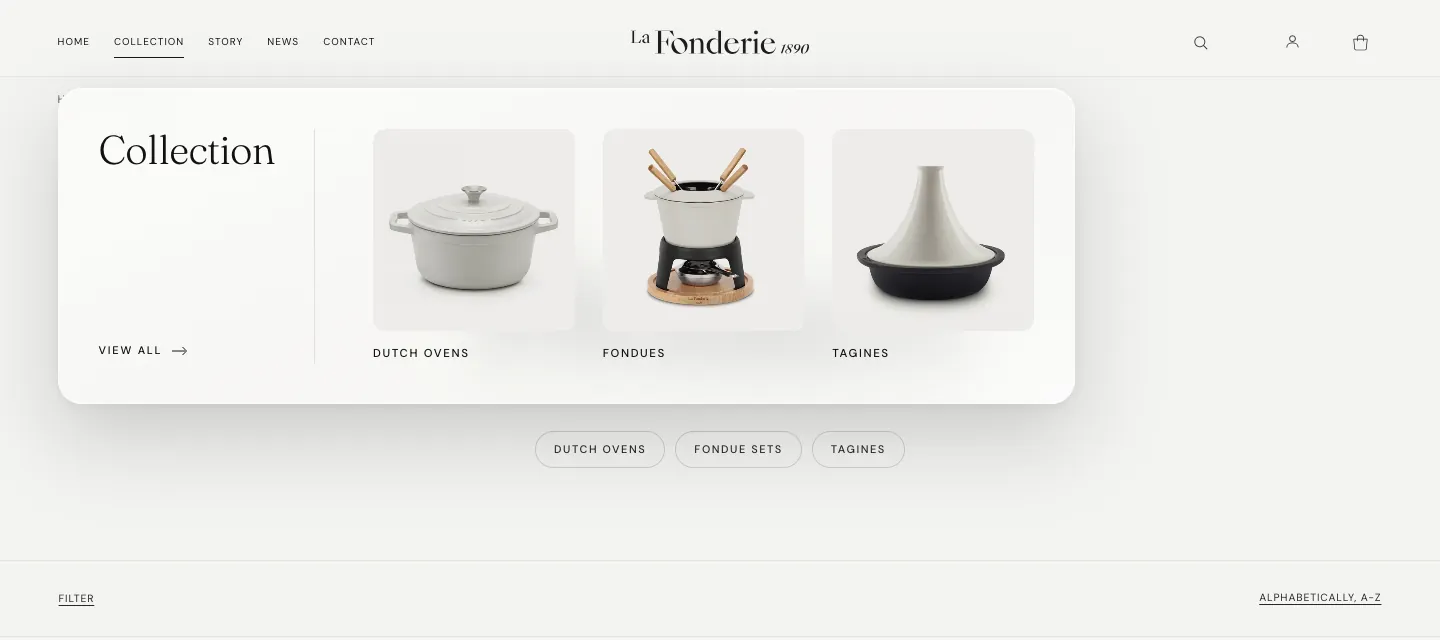
Step-by-step guides for what makes Opaline different, with the exact name of every setting.





Support
Need a hand?#
Write to the studio. Every message is answered by the people who built Opaline, within one to two business days.
Contact support